
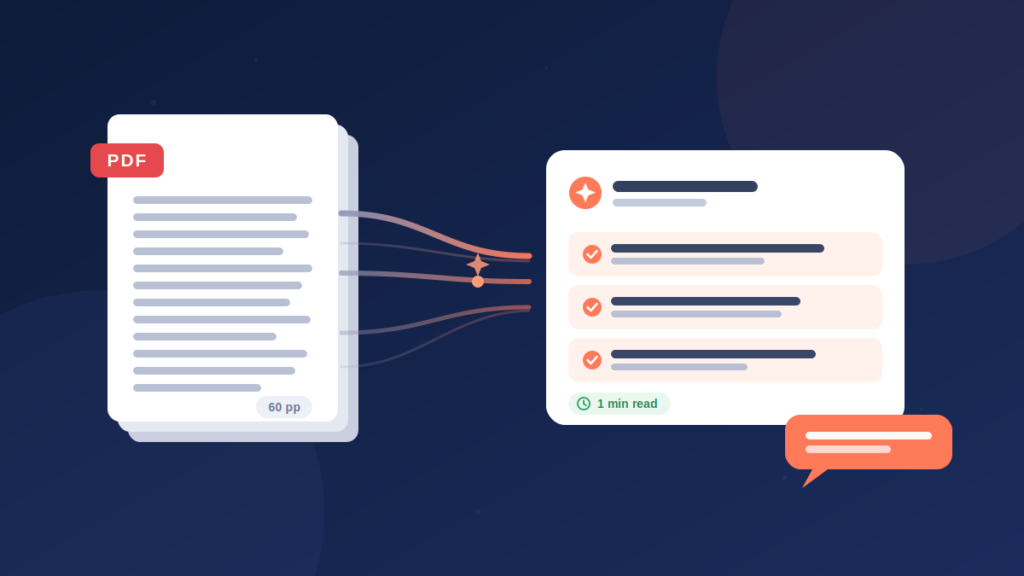
Somewhere on your phone or laptop right now there is a PDF you have been meaning to read. A report, a research paper, a contract, a course handout. You opened it once, saw the page count, and quietly closed it again.
You are not lazy. Long documents are simply a bad format for busy people. The good news is that AI can now read a PDF for you, hand back a summary with the key points, and then answer your questions about it. This guide covers the best way to do that, what to watch out for, and how to build the habit so unread documents stop piling up.
What an AI PDF summary actually gives you
A good AI summariser does three jobs at once:
A summary. The whole document condensed into a few paragraphs you can read in under a minute. Enough to know what the file says and whether any of it matters to you.
Key highlights. The specific points, figures and claims worth remembering, pulled out as a list. This is the part you would normally underline if you read the document by hand.
Practical takeaways. What the document means for you. Actions, decisions, deadlines, risks. The difference between knowing what a report says and knowing what to do about it.
Once you have those three things, reading the full PDF becomes a choice rather than an obligation. Most of the time the summary is enough. When a section genuinely matters, you now know exactly which section to read properly.
The best way to summarise a PDF with AI on iPhone
There are plenty of browser tools that summarise PDFs, but if most of your documents arrive on your phone, an app is the smoother route. Here is the process using Converge Note AI, a free AI note-taking app for iPhone and iPad:
Step 1: Upload the PDF. Share it into the app from Mail, Files, WhatsApp or anywhere else a PDF lands on your phone.
Step 2: Let the AI read it. The app processes the full document, not just the first few pages. Research papers, reports and contracts all work.
Step 3: Read your summary, highlights and takeaways. Within seconds, you get all three, saved into a searchable library so you can find the document again months later.
Step 4: Ask questions. This is the step most people skip and the one that changes everything. Once the PDF is processed, you can chat with it. “What does clause 7 actually commit me to?” “Which of these findings had the largest sample size?” “List every deadline mentioned.” The AI answers from the document itself, so you get the specific line you need without scrolling.
Why chatting with a PDF beats a plain summary
A summary is a starting point, not the whole answer. Any single summary reflects one pass through the document, and your question might sit in a paragraph the summary skipped.
Chat closes that gap. Instead of hoping the summary covered your concern, you ask directly. This matters most with contracts and technical papers, where the detail you care about is rarely the detail a general summary highlights. It also makes the document reusable. Six weeks after you processed a report, you can come back and ask a fresh question without rereading anything.
What to watch out for with AI summaries
AI summarisation is genuinely good now, but it deserves the same common sense you would apply to a colleague’s summary:
Check the numbers. If a figure is going into your own work, open the PDF and confirm it against the source page. AI is accurate, not infallible.
Long documents lose nuance. A three-paragraph summary of a 200-page document is a map, not the territory. Use the chat feature to zoom into the sections that matter.
Scanned PDFs vary. Clean digital PDFs summarise best. Old scans with poor image quality can produce weaker results, so check the output more carefully with those.
None of this cancels the value. It just means the smart workflow is summary first, targeted questions second, and a manual check on anything you plan to quote or act on.
Who gets the most out of this?
Students. Reading lists stop being a source of guilt. Summarise each paper, keep the highlights, and read the full texts only of those central to your essay. Pairs well with recorded lectures, which you can also turn into notes; see our guide on how to transcribe a YouTube video to text for the video side of the same workflow.
Professionals. Reports, proposals, policy documents. Walk into the meeting having read the summary and asked the three questions that matter, while everyone else skimmed the executive summary on the lift-up.
Freelancers and founders. Contracts and client briefs. Ask the document directly what you are agreeing to before you sign it. This is not legal advice, but it is a much better starting point than a skim.
Researchers. Screen dozens of papers quickly, keep the relevant ones, and query each for methods and findings without rereading.
How much does it cost?
Converge Note AI is free to download on the App Store, so you can test it on a real document before paying anything. For regular use, plans start with a £2.99 Starter Pack and go up to Pro Monthly at £9.99 or Pro Annual at £59.99. The Pro plans make sense once PDFs, voice notes and video transcripts become part of how you work every week, since one subscription covers all three.
Frequently asked questions
What is the best way to summarise a PDF with AI?
Upload the PDF into an AI note-taking app such as Converge Note AI, let it generate a summary with key highlights and takeaways, then use the chat feature to ask specific questions about the document. Summary first, questions second, manual check on anything important.
Can AI summarise a long PDF accurately?
Yes, modern AI handles long documents well, though very long files are condensed heavily. For 100-plus pages, treat the summary as an overview and use chat to pull detail from specific sections.
Can I summarise a PDF on my iPhone for free?
Yes. Converge Note AI is free to download and lets you try the core features before choosing a paid plan for heavier use.
Is it safe to upload private documents?
Documents are processed securely to generate your notes and stored in your personal library. If a file is highly sensitive, check the privacy policy first, the same way you would with any cloud service.
Can I ask the AI questions about my PDF?
Yes, and you should. Once a document is processed, you can chat with it directly, asking for specific clauses, figures, deadlines or explanations. The answers come from the document itself.
Read less, know more
The PDFs are not going to stop arriving. What can change is what happens after they arrive. A one-minute summary, three sharp questions, and a searchable library beat a folder of unread files every single time.
Download Converge Note AI free on the App Store, upload the PDF you have been avoiding, and see what it actually says. And if videos and lectures are the other half of your backlog, our guide on how to transcribe a YouTube video to text covers that side too.
Leave a Reply